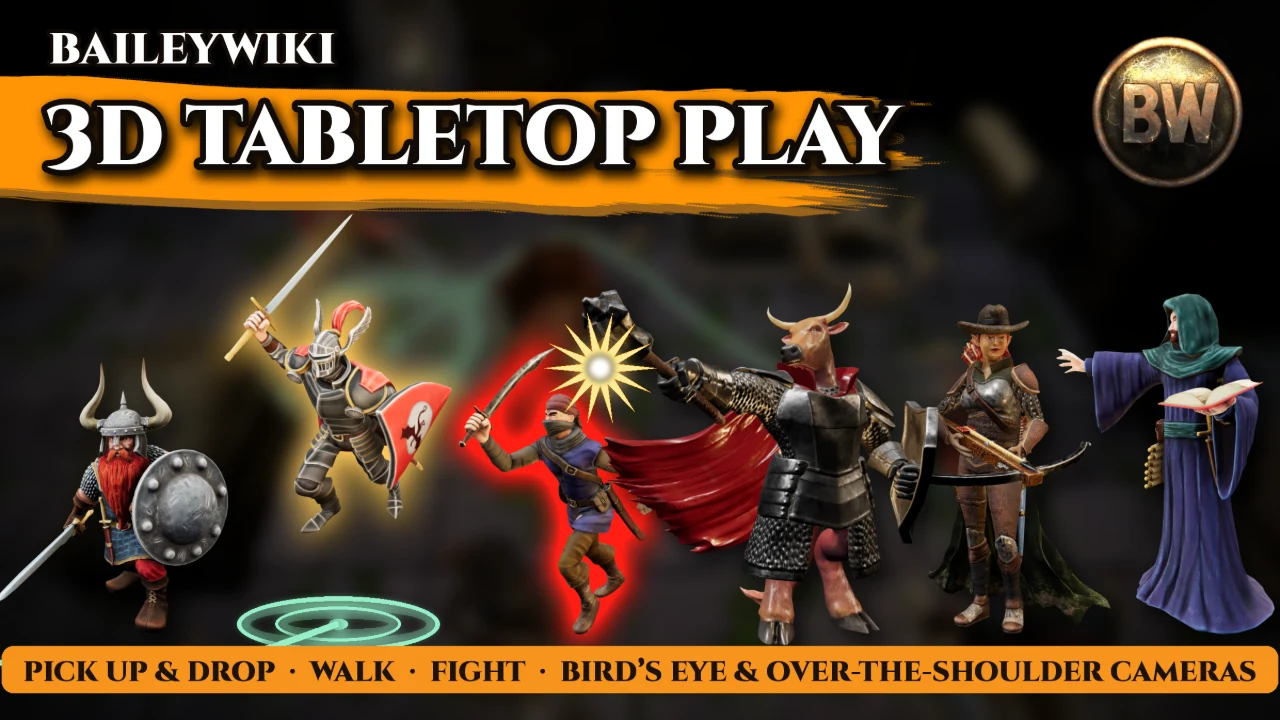
Baileywiki 3D Tabletop Play
by Baileywiki
Baileywiki 3D Tabletop Play
Turn your 3D Canvas tokens into living minis. They breathe, glance around, walk to where you drop them, swing at enemies, flinch when hit and fall when they die. You also get follow cameras that keep your hero in view from room to room. It works with any game system and any model, with no setup for each mini.
(Formerly Living Tokens 3D. Your worlds, settings and token flags carry over.)
Pick Up & Drop
- Pick up a mini and its legs keep running in your hand, like a figure swooped across the table. A faint ghost marks the spot it was lifted from.
- Drop reticle: a bold ring always shows the exact square the mini will land on. If you drop it on a coffin or a table, the reticle moves to the nearest free square.
- Smart paths: minis walk around walls, closed doors and furniture, and find doorways even when they don’t line up with the grid. They never walk through tables, crates, coffins or statues. Hold Shift for a free, straight move.
- Arrow keys walk your selected character relative to the camera.
Movement in Encounters
- The ruler shows distance at 5 ft per square, using your scene’s grid and diagonal rule.
- In combat, each token moves up to the walking speed on its character sheet every round (e.g.
15 / 30 ft), and the count resets each round. Out of combat there’s no limit. - Dash doubles movement for the round. You can use the token HUD button, a keybinding, a dnd5e “Dash” feature, or a macro:
game.modules.get("baileywiki-3d-tabletop-play").api.dash(token). - You choose who the limit applies to: everyone, players only, or nobody.
Follow Cameras
- Bird’s eye view: follows your hero from room to room. Ceilings are cut away, and walls in the way dissolve so your mini always stays fully visible.
- Over the shoulder: an over-the-shoulder view where walls between you and your hero fade out.
- Every player controls their own camera. Press C to cycle off → bird’s eye view → over the shoulder, and right-click the 3D view to let go.
Living Minis
- Idles with body language: minis stand on the table like real figurines. Every few seconds they glance at a neighbour, look around or shift their weight. In an encounter they lean into a guard and watch the enemy.
- Walking: minis rock from foot to foot at a calm walking pace, which you can set.
- Animated models keep their own idle animations, and hits and attacks play on top.
- Rigged models use their own walk, attack, hit and death clips, or get a walk generated on their leg bones.
Encounters
- Attacks, hits and deaths trigger automatically from your rolls and HP changes. This works with dnd5e, pf2e and other systems.
- Attackers turn to face their target. Targets react at the moment the blow lands, with a red flash and a knock-back, and fall over at 0 HP.
- A combat idle while the token is in combat.
Manual Control
- Token HUD: play an attack, hit, block or any emote, or hold a pose such as sitting or sleeping.
- Macro API:
play,setPose,clipsanddash.
Requirements
- Foundry VTT v13–v14
- 3D Canvas (required)
- Works with the 3D Canvas token library, Baileywiki models and your own imported minis.
Contents not yet indexed.
Releases
## 0.8.0 First stable release, under the new name **Baileywiki 3D Tabletop Play** (formerly Living Tokens 3D). - New module id: `baileywiki-3d-tabletop-play`. The first time a world loads it, settings, keybindings and per-token settings saved by Living Tokens 3D are copied over, and existing auto-rigs keep working. Turn Living Tokens 3D off afterwards; the GM gets a reminder while both are on. - Macros now use `game.modules.get("baileywiki-3d-tabletop-play").api`. - Follow cameras: bird's eye view and over the shoulder, with ceilings cut away and see-through walls around your character. - Smart paths and drop reticle: minis walk around walls, doors and furniture, and the reticle shows the exact square they will land on. - Movement range in encounters: each token moves its walking speed per round, with Dash to double it. - New idles: minis stand like real figurines and make small gestures, and stay alert in combat.
0.8.0
First stable release, under the new name Baileywiki 3D Tabletop Play (formerly Living Tokens 3D).
- New module id:
baileywiki-3d-tabletop-play. The first time a world loads it, settings, keybindings and per-token settings saved by Living Tokens 3D are copied over, and existing auto-rigs keep working. Turn Living Tokens 3D off afterwards; the GM gets a reminder while both are on. - Macros now use
game.modules.get("baileywiki-3d-tabletop-play").api. - Follow cameras: bird's eye view and over the shoulder, with ceilings cut away and see-through walls around your character.
- Smart paths and drop reticle: minis walk around walls, doors and furniture, and the reticle shows the exact square they will land on.
- Movement range in encounters: each token moves its walking speed per round, with Dash to double it.
- New idles: minis stand like real figurines and make small gestures, and stay alert in combat.
GET /api/v1/modules/baileywiki-3d-tabletop-play/changelog?channel=stableComments(0)
Sign in to join the discussion.