Baileywiki
Module Developer
Modules
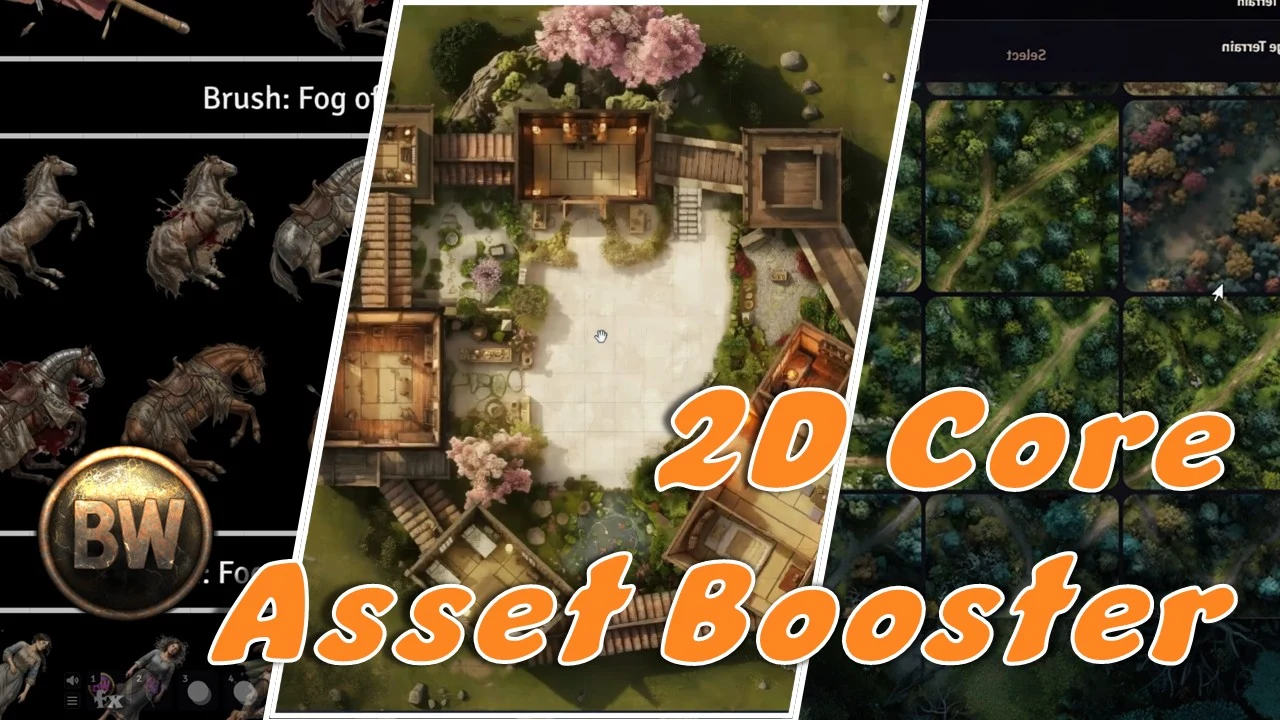
Baileywiki 2D Core Asset Booster
This is an optional content-only module for Baileywiki subscribers that seeds your world with almost 2Gb of core Baileywiki assets. If you have the space, go for it. This booster includes over 15,000 tiles, images, and audio. But you can get all of this as you need it from the Baileywiki Content Module .
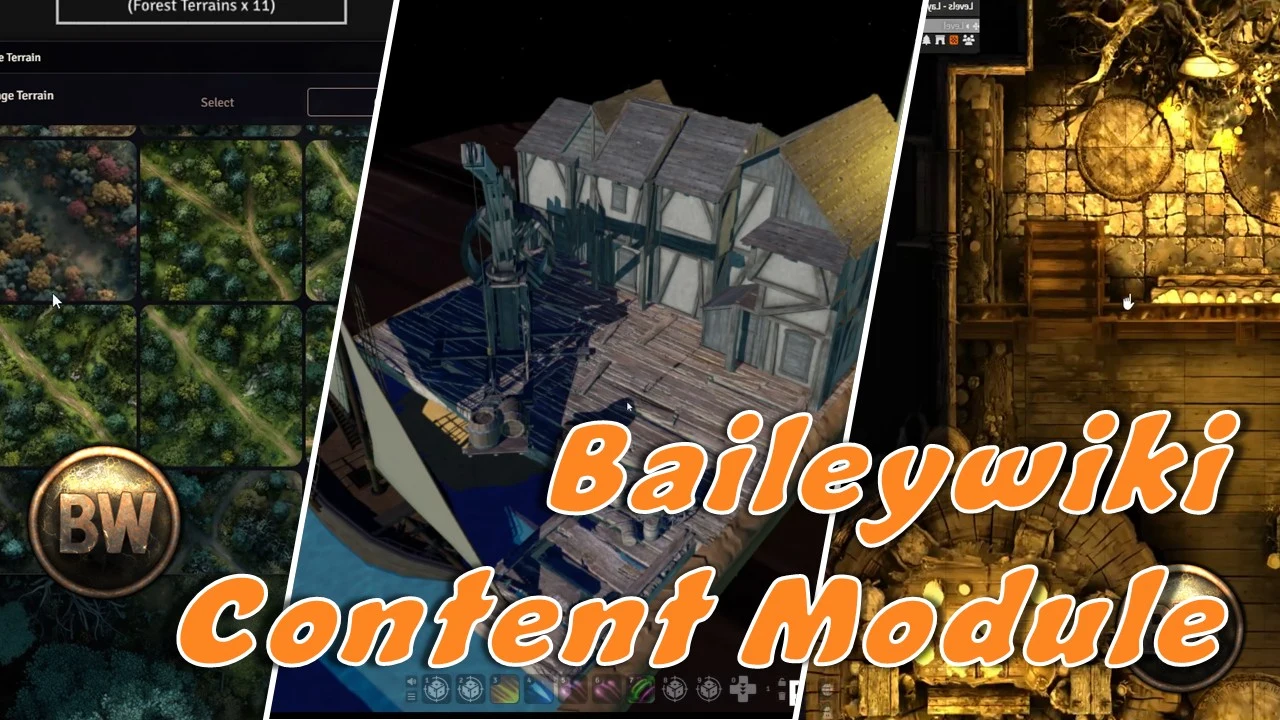
Baileywiki Content Module
One module. Your Baileywiki library. Your session, on the table. The Baileywiki Content Module (BCM) is the hub that brings Baileywiki's 2D and 3D library — and the things you make in TurnSheet , MadProps , and BatlGrid — into Foundry VTT. Browse the cloud, click once, and the piece lands in your world. No ZIP wrangling. We use AI on purpose: to give you more time for the table, and more room for the story. BCM is the careful end of that loop. Imports arrive as ordinary Foundry documents you can keep, edit, and share. We have a lot of respect for the mapmakers, token artists, and prop creators who already make this hobby beautiful — use BCM beside their work, not instead of it. The session-prep loop A typical night looks like this: TurnSheet — characters, poses, and tokens from a single source image. MadProps — eye-level scenes and movable props, in the art style you want. BatlGrid — the battlemap your party will actually fight on. BCM — one-click import of all of it onto the Foundry table. Then open the night with Landing Page as the session front door, and use Better Levels when the map has more than one floor. What BCM does One-click importers for TurnSheet, MadProps, and BatlGrid. As of 1.0.15, import straight into Foundry — no ZIP required. Library hub for all free, standard, and advanced Baileywiki 2D and 3D content. Install BCM, sign in with your Baileywiki.com account in module settings, and use the Asset and Scene browsers (left-side menu) to pull what you need. Right-click any category to Download All. Everything arrives as normal Foundry content you already know how to use. A note on the suite BatlGrid does not drop TurnSheet tokens onto a map. Bring characters in through BCM, then place them yourself. MadProps' "draw PCs into furniture" tool is admin-only. MadProps is out of alpha and part of the everyday loop — scenes and props, not a side experiment. Access You can install BCM and browse the Baileywiki library with a Patreon account. The three-app loop — TurnSheet, MadProps, and BatlGrid into Foundry — needs a Stripe Baileywiki account (Direct Subscribers). Details live on baileywiki.com/pricing . Optional boosters BCM already includes the library. If you have the disk space and want a lot of core assets up front: Baileywiki 2D Core Asset Booster Baileywiki 3D Core Asset Booster To install a curated set at once, use Generate Loadout Module on the Baileywiki Premium Content Loadout . This is home FoundryMods is where BCM will keep getting updates. Come back here for new releases, changelogs, and install links. Questions? For support, questions, or ideas, find us on Discord or Baileywiki.com .

Baileywiki Landing Page
A free module to create fully interactive landing pages in Foundry with per-player hover effects, image swaps, sound, selector markers, click actions, automated layouts, backdrops, custom tile interactions, and more. Turn any scene into a beautiful, interactive front door for your game. Build a party HQ, a quest hub, a chapter splash, or a session menu — a gridless scene with gorgeous, hoverable, clickable buttons that open your Journals, character sheets, roll tables, macros, or jump to other scenes. Your players land somewhere that feels designed, not just dropped onto a battlemap. The whole thing is additive to Foundry : buttons are ordinary Tiles, labels are ordinary Drawings. Nothing exotic, nothing locked away — so Token Magic FX, Mass Edit, snapping, and the native Tile HUD all keep working on everything you make. And while you can use Monk's Active Tiles freely, you don't NEED it. The module has the click and effect functions built-in. Looking for ways to create landing page elements and character poses? Try MadProps (Scenes and props), TurnSheet (Characters), and BatlGrid (Top-down props) 🎬 LOOKING FOR A TUTORIAL? New for 3.0 — watch the full video walkthrough: Landing Page 3.0 Tutorial . Prefer to read? The full written guide is Here . 🚀 New in 3.0 Character Widget. Draw a box and point it at a sidebar Actor folder. It builds a live character menu from that folder and stays in sync as the roster changes. Each card is a full landing-page button — hover, click, sound, markers, and labels — with its own Widget Builder for layout, art fit, custom shapes, and presets. It works with any Actor , not only player characters (the feature previously called the Player Widget). Dynamic Information. A text drawing can show live fields — a name, a biography, or any document path — from the Character Widget portrait under the cursor, or from a pinned Actor, Journal, or Item. Rich text, alignment, and shrink-to-fit or scroll. The panel lingers so you can move onto it. Subpages. Keep several pages on one scene, and list other scenes as satellites — a regional map or a battle map. Stamp Home , Back , and Go-to , or turn on Simple Nav , a small floating icon bar you can drag. Back returns to the hub page you left; Go-to stays on the map until you pick. Satellites can inherit the hub's immersive look and its background music. Interactive Regions. A Foundry Region can be a button: hover lights the map inside the shape, click runs an action, with an optional soft edge. Animated Token Magic presets (fire, smoke, waves, and the rest) play on the region the same way they do on tiles. Lit tiles. In Design Mode, mark a tile Lit . A light whose center sits on that tile's art, and which sits above the tile, lights only that tile — a prop can glow while the rest of the scene stays dark. Frosted panels. The snowflake control on a drawing (or the helper panel) blurs the map inside the shape, a soft glass panel over your art. Hover and click animation. On a video or GIF tile, choose how it plays on hover and on click: play through, hold a frame, reverse on leave, loop, or latch open. Quick presets for a Door , Chest , Book , and Portal (Portal is a preset — bring your own art). Sample art ships for a door, a chest, books, and portraits. ✨ Highlights One-click Designer. A single panel builds the whole page: pick a layout (top/bottom row, left/right panel), choose which buttons to create, and hit Build . Manage Buttons renames, reorders, adds a blank button, and sets each click — including a jump to a subpage. Presets save and share the Builder's look (not the scene's content). Tweak any part live afterward. A growing library of button art in a visual, searchable browser — fantasy scrolls, stone, wood, iron, ice, arcane filigree, sci‑fi panels and more. Filter as you type, click to preview, select. Or design and upload your own buttons! Recolor everything instantly. Color schemes (Gold, Arcane, Cyan, Crimson, Slate) or a fully custom color with a picker and an on‑screen eyedropper . Two‑tone buttons recolor just their accent so the frame stays intact. Per‑player hover effects. Glow, any Token Magic FX preset, a direct text‑colour change, or an image swap — each shown only to the player whose cursor is on the button, and each able to run inverted (on at rest, clears on hover). Grow on hover is there too. Click actions that matter. Open a Journal, a character sheet, a roll table, run a macro, jump to a subpage, or send each player to another scene (great for a clickable World Map). Beautiful labels. Any installed font — or import fonts straight from Google Fonts , which become available to your regular Drawings too (and auto‑load for every player). Control color, size, opacity, stroke, and offset; labels can even appear only on hover. Shaped scene backdrops. Drop your splash art inside a circle, square, or arched frame instead of a flat rectangle, and the module can generate the scene thumbnail straight from it. Polish toggles. Soft drop shadows, hover‑only labels, pixel‑perfect hit detection on hand‑placed art, and a per‑scene “launch unpaused” option so animated landing pages come up live. 🛠️ How it works Open the Landing Page control on the left toolbar to bring up the design panel. You stay in control of a normal scene. The Designer drops button Tiles and label Drawings for you, wires each button's hover effect and click action, and links every label to its button so they move together as a prefab (while a label can still be nudged on its own). A lightweight, design‑mode‑gated interaction layer drives the hover glow and clicks for players — and gets out of your way while you author. Because it's all native documents, you can hand‑place extra buttons, restyle in seconds, export/import the scene with Foundry's own tools, and lean on the modules you already use. 📋 Compatibility & recommended modules Foundry VTT v13–v14. System‑agnostic at its core (built and tested with D&D 5e). Token Magic FX (required) — powers the per‑player hover effects, compound effects, drop shadow, two‑tone recoloring, and the shaped backdrop overlay. Mass Edit (recommended) — links each button to its label, and lets you move or preview the whole menu as one. FXMaster (recommended) — ambient particle effects for extra atmosphere. 💜 From Baileywiki Made by Baileywiki . If you love rich, ready‑to‑play VTT content, come say hi — and bring your table somewhere worth landing.
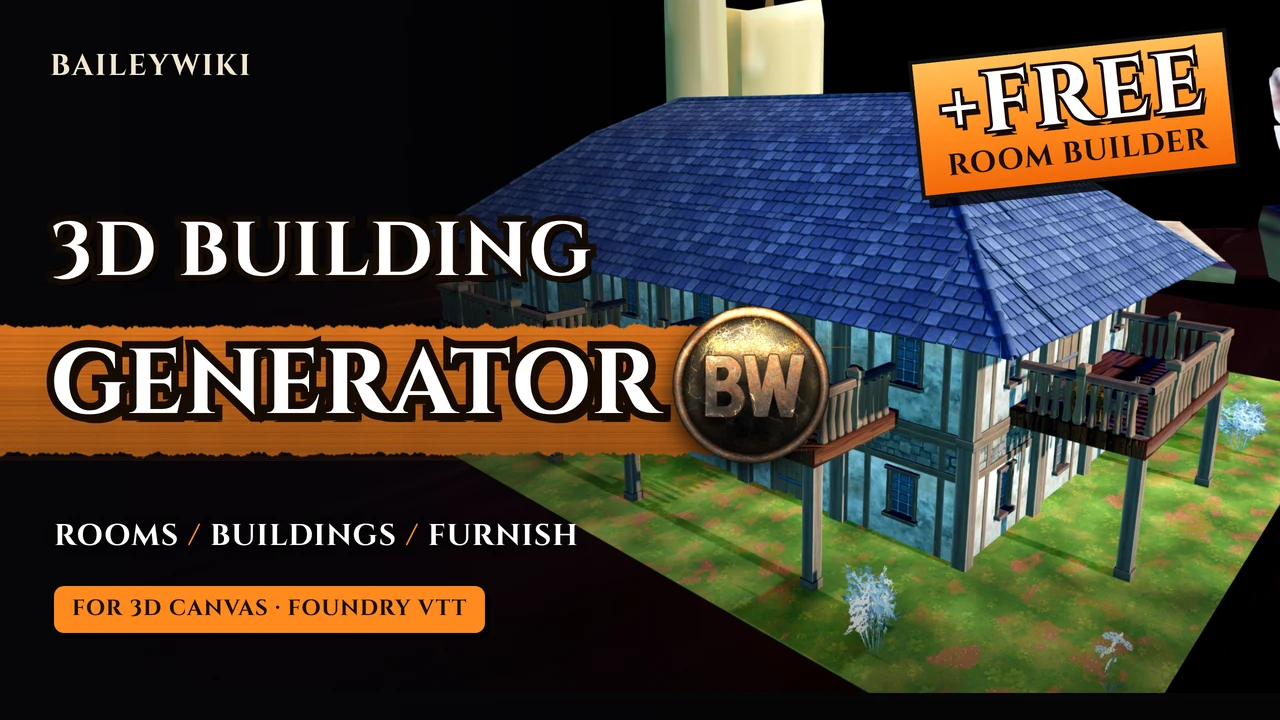
Baileywiki 3D Building Generator
Baileywiki 3D Building Generator Drag a box, pick a building, press Generate. Furnished 3D rooms and whole buildings for 3D Canvas , built from the Baileywiki model library. Walls, floors, doors, windows, roofs, furniture, lights, stairs and surroundings are placed for you, tile by tile. Needs only the Baileywiki Content Module and 3D Canvas . Models are downloaded on demand: only what a building actually uses, never in bulk. Free version Try it without paying a penny. Sign in to the Baileywiki Content Module with a free Baileywiki account and you get 2 Rooms in the Room Generator: 2 rooms : Chapel / Shrine and Crypt / Tomb, in Room mode and Furnish mode 3 wall and floor sets : gothic temple, Stoneveil dungeon and mossy dungeon stone Gothic tower roof tiles 150+ Baileywiki models and props , animated ones too: pews, altars, sarcophagi, coffins, banners, chandeliers, curtains and more Free options are marked (Free) and listed first. Everything else stays in the lists, so you can see what the full version adds: it is greyed out until you sign in, and needs Supporter or higher. What you can make Buildings : house, tavern / inn, manor, craftsman's workshop, wizard's abode, shop with living quarters, temple, barracks, dungeon and castle keep. The area is split into rooms with interior walls and connecting doors, and every room is furnished to match. Upper floors and balconies : two-storey buildings with stairs, plus balconies on any side of the upper floor. Temples : towers, graveyards and gardens around them, and pews, an altar and an aisle inside. Bell towers have spiral stairs up to a bell on a beam and a store room below. Dungeons and crypts : stone kits, tombs, prisons, treasure vaults and guard rooms. Whole streets : generate building after building side by side, each one different. Room mode : a single furnished room in any of about 30 interiors (tavern hall, library, alchemist lab, smithy, chapel, crypt, throne room and more). Furnish mode : fill a room you built yourself with furniture, decor, rugs and lights. Nothing is built; your walls stay as they are. Mix and match Wall kits : Tudor, town house, wood panelled, stone hall, plank cabin, log timber, castle, gothic, Stoneveil, desert stone, brick town house, adobe and the dungeon kits. Roofs : thatch, clay barrel tiles, slate shingles and fish-scale shingles in several colours, plus gothic tower tiles. Auto picks a roof that suits the walls. Floors, furniture density, lights, surroundings and an optional seed, so you can rebuild the same layout. Made for play Step inside : the roof and upper floors hide when a token walks in, so players see straight into the room. Doors and windows that work : 3D doors swing open on their hinges when clicked, and sliding windows open. No 2D walls : only 3D Canvas tiles and light sources are created. Performance : models are merged into instanced tiles, heavy models are left out, and every building is kept within 3D Canvas grade D or better. Undo, re-roll and clear : remove the last building, replace it with a new random version, or clear everything the generator made. Generation time depends on your machine.
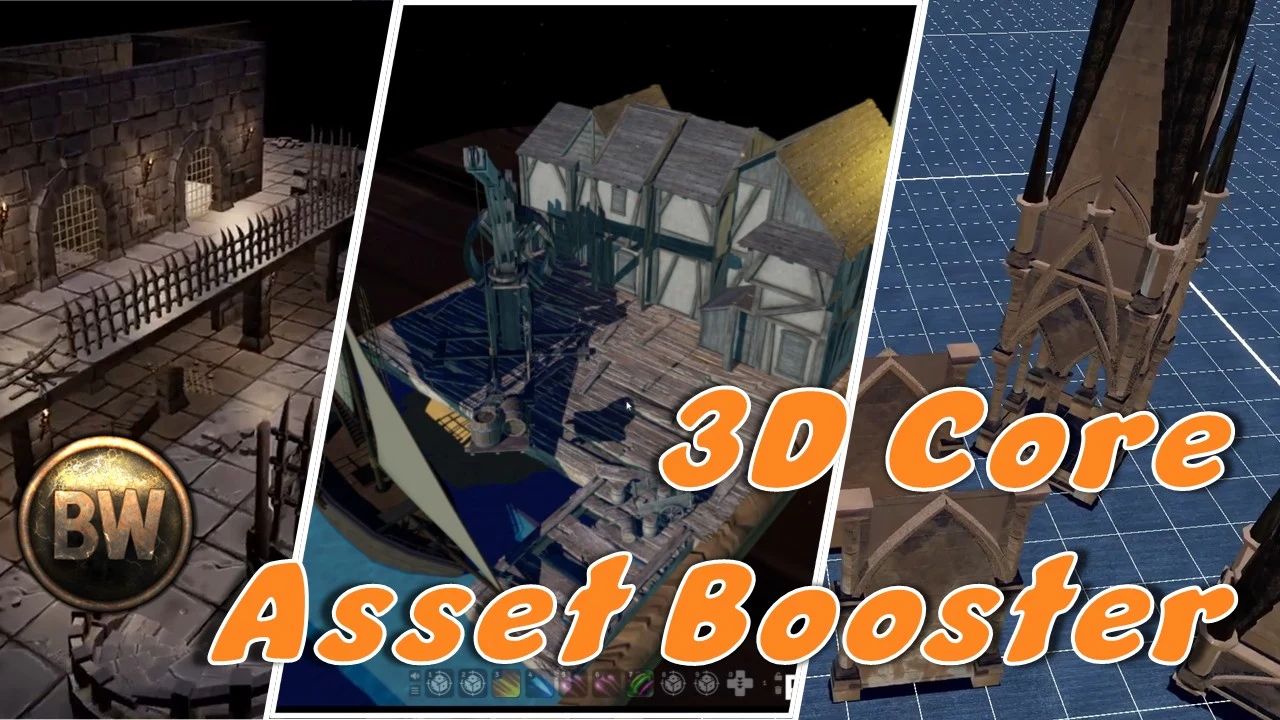
Baileywiki 3D Core Asset Booster
This is a content-only pack of 3D assets. This is not required, unless you want to pre-download a lot of 3D content. Otherwise, everything you get with this pack is already included with the Baileywiki Content Module . https://www.baileywiki.com
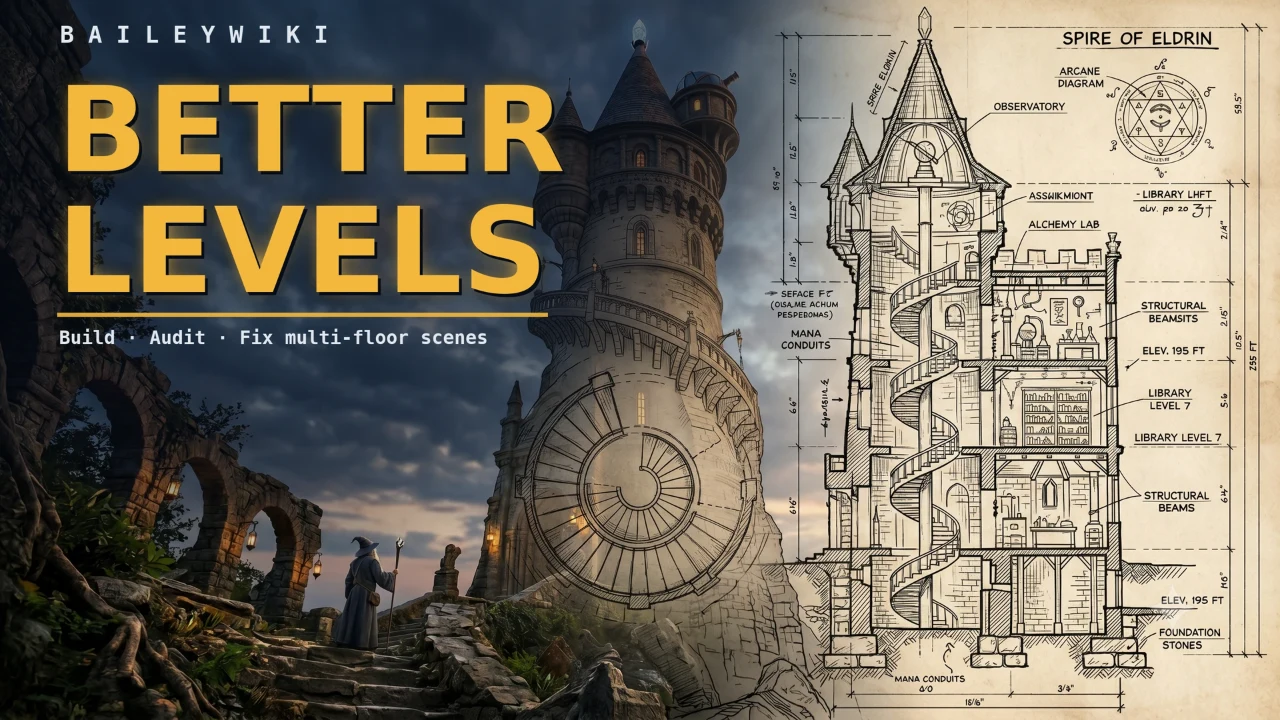
Baileywiki Better Levels
Multi-floor scenes that just work — built, audited, and fixed for you. 2.0: Any battlemap can now have levels, not just the ones designed for them. Draw a region over painted-in art and tokens traveling underneath vanish. No extra tile required. Foundry's native Scene Levels are powerful, but building a tower, a dungeon with a basement, or a ship with a deck below is fiddly and easy to get subtly wrong. Better Levels automates the tedious parts — generating levels, tracing floor surfaces, wiring stairs, naming things — and then continuously audits your scene for the easy-to-miss mistakes that quietly break Levels, with one-click fixes for each. The whole thing is additive to Foundry : it builds with real Levels, ordinary Regions, and ordinary Tiles. Nothing proprietary, nothing locked away — so your scenes stay portable, export/import with Foundry's own tools, and every module you already use keeps working. Tutorials Watch the Better Levels 2.0 walkthrough, or read the How-to Guide for building with Levels . ✨ Highlights Faux Overhead. Draw a region over artwork that is already painted into a map (a bridge, catwalk, awning, or cave mouth) and tokens traveling underneath vanish behind it, exactly as if an overhead tile covered them. No tile needed, and none is added. Anyone who can genuinely see under there still sees a ghost of the token. Edit region shapes point by point. Select a polygon region with the Regions layer Select tool and every vertex gets a handle: drag a point to move it, right-click a point to delete it, drag an edge midpoint to insert a point. Hold Shift to bypass grid snapping. Foundry has no built-in way to do this. Native roofs. Better Roofs is no longer required. Fog-of-war reveal is native (checkbox on the tile Overhead tab), and tiles that share an Occlusion Link Id fade together. Existing Better Roofs settings carry over. Per-level backgrounds and canvas audit. Level Manager has a BG column for an image or color per floor. When Build Mode is on or the helper panel is open, red and amber audit issues on the viewed floor get a colored outline. Click an outline to Fix or Ignore. GM only. Show visible tokens only. (experimental — off by default) In v14, when one token sees another on a different floor, Foundry unoccludes every tile above it — exposing that token's whole surroundings, and sometimes removing the floor under the viewer. Turn this on and the building stays intact: the seen token is drawn on top of its cover with a dashed outline , still hoverable and targetable, tracking true line of sight per player. Any number of tokens at once. This is the v13 Levels behaviour, brought back for v14. Auto-Build Levels. Say how many floors, how many basements, whether to add a roof, and the floor height — Better Levels creates the whole stack in seconds, names each band by its elevation range (e.g. Level 02 (10 | 20) ), and auto-wires visibility by rule: above-ground floors see each other, basements stay sealed. Bands that already match are preserved. One-click tile setup with pixel-perfect surfaces. Tile HUD buttons configure a tile as Floor / Roof / Basement / Balcony and generate its walk-on Surface region in one click — tracing the tile's actual non-transparent footprint (via Mass Edit) instead of a blunt rectangle, and assigning it to every level that can see it so occlusion works in both directions. Got a whole floor to do? Select them all and mark them at once. Tagging = under warranty. Or ignore it. Marking a tile as Floor or Roof puts it under continuous supervision: from then on the audit checks its surface region, occlusion, light and weather blocking, and fog reveal — and can repair all of them. Better Levels never guesses that a tile is a floor (it can't tell a floor plate from a rug), so you tell it once and it looks after it forever. For genuine decoration there's an ignore toggle — on the tile HUD and in the Fix dialog, and it works for regions and lights too — which drops that entity out of the audit until you toggle it back. Two answers, and anything you haven't answered still gets flagged, because untagged usually means forgotten. Level Manager with a visibility grid. Click the level count to open a building-style manager: see how many tiles, lights, regions, walls, and tokens live on each floor; rename, re-elevate, add, or remove levels. A visibility grid shows at a glance which levels can see which, with a click-to-toggle eye for every pair — in one direction or both. Apply backs up, cleans up orphaned tags, and flags any remaining work in the Audit. Live Audit & Self-Repair — 32 rules. Catches the conflicts that break Levels: roofs and floors missing surface regions, surfaces that don't reach the levels that can see them (the classic "I can see through the floor" leak), floor openings that aren't carried through to the level below so tokens can't see each other through a stairwell, one-way stairs, visibility leaks, light tagging, occlusion modes, degenerate or overlapping bands, leftover legacy flags, and more. Issues sort into green / amber / red buckets (cosmetic → settings → creates-or-deletes), each collapsible with its own Fix All . Fix one, fix a category, fix everything, or switch a rule off per scene — and bulk fixes report once with a summary instead of burying you in notifications. Also auto-converts pre-v14 scenes and prefabs to v14 standards. Every rule teaches you Levels. Hover any rule and it explains the concept behind it — what's wrong, why it matters, what the fix does. Reading through them is a genuinely fast education in how v14 Levels actually works. Build Mode. A single toggle that turns the scene into a clean build surface — hides overhead tiles and the surface regions from floors above (which otherwise stack up and steal your clicks) so you can see and work on the level you're actually building. Never touches scenes that don't use Levels. Fix Entity — configure anything in one click. Select any placeable and hit Fix . It infers what it can (a tile's role, a region's surface-vs-stair purpose, the right level) and only asks when it genuinely can't tell, batching questions into one dialog with smart defaults — then sets it up end-to-end and offers a "Go to that level" jump to see the result. Better token level changes. Core Foundry's "change level" button moves a token's level but leaves it standing at the old height. Better Levels puts it on the destination floor — up or down, any number of floors, landing exactly on the floor every time. Tile Entity Sorting and Enhancements. Sort tiles by z order instead of name. Drag-and-drop groups of tiles to reorder. See thumbnails of tiles for easier identification. Auto-filter Tiles and other entities to the active Level. Region tools. Auto-Stair mode turns any region you draw into a Change Level stair to the floor above; Make Surface turns any region into a walk-on surface with no tile required; and managed regions get clear names like Surface Level 02 and Stair Level 01 ↔ Level 02 . Vehicles. One click turns a prefab's regions into a Mass Edit Link Token "deck" so tokens ride the ship, elevator, or moving platform. Backup & Restore. Create a named restore point before risky changes and roll the whole scene back to any saved point — one button, with a confirmation that offers to back up the current state first. Sample scene included. A multi-level Tudor building with a basement that audits completely clean — zero issues, because every tile has an answer: the structural ones tagged, the decoration ignored — roof surfaces assigned upward, floor openings carried through between levels, window walls, and stairs that work in both directions. Import it and poke at a scene that already works. 🛠️ How it works A compact, draggable helper panel appears on scenes that have multiple levels (or open it anytime from the Tiles toolbar button). It centralizes the live toggles and actions — Generate, Build Mode, Level Manager, Fix, Audit, Backup — and shows your scene's live audit count at a glance, so configuration mistakes surface the moment they happen instead of mid-session. Everything it creates is a native Foundry document, so you can hand-tune anything afterward, and the audit will simply notice and offer to reconcile whatever you change. 📋 Compatibility & recommended modules Foundry VTT v14. System-agnostic — works with any game system. Baileywiki Mass Edit (recommended) — enables pixel-perfect Surface regions traced to a tile's true footprint, powers the Vehicle / Link Token decks, and is required for converting v13 scenes to v14. Everything degrades gracefully to a bounding rectangle without it. Better Roofs is no longer required. Fog-of-war reveal and occlusion linking are native in 2.0. Existing Better Roofs settings carry over if you still have it installed. 💜 From Baileywiki Made by Baileywiki and the Foundry VTT community. If multi-level scenes have ever fought you, this is the assistant that does the bookkeeping — so you can spend your time building the dungeon, not debugging it.