Best Foundry VTT Modules for D&D 5e Maps and Scenes (v14)
Last updated October 12, 2026
Last checked: October 2026 · Verified for Foundry v14 · System: D&D 5e (all picks also work in other systems)
Great D&D 5e encounters start with a good scene. These modules help you get battlemaps into Foundry with their walls and lights, edit dozens of placeables at once, make tiles react when tokens step on them, and build multi-level buildings on Foundry v14's new core Levels. None of them depend on the dnd5e system version, so they're safe on dnd5e 6.x. Every pick is listed on FoundryMods as verified for Foundry v14 unless noted.
▶ Watch: “Mass Edit Overview” in 2025 Baileywiki Mass Edit Deep-dive Tutorial (0:00) · “Intro and What We'll Cover” in Automating Foundry: Monk's Active Tile Trigge… (0:00) · “Intro” in #FoundryVTT Basics - A Practical Guide to v14… (0:00)
Quick picks
| Module | Use it to | Verified Foundry |
|---|---|---|
| Universal Battlemap Importer | Import Dungeondraft / DungeonFog maps with walls and lights | v14 |
| Baileywiki Mass Edit | Edit, search, and place many objects at once | v14 |
| Monk's Active Tile Triggers | Make tiles do things when tokens enter or click | v14 |
| Tagger | Tag objects so triggers and macros can find them | v13–v14 |
| Monk's Wall Enhancement | Draw and fix walls faster | v14 |
| Baileywiki Better Levels | Build and audit v14 core Levels scenes | v14 |
| Better Roofs | Roof vision, fog reveal, linked roof tiles | v14 |
| Tile Scroll | Scroll, rotate, and repeat tiles over time | v14 |
| Multiface Tiles | Swap a tile's image from the Tile HUD | v13–v14 |
| Library: Scene Packer | Move scenes and adventures between worlds intact | v14 |
1. Universal Battlemap Importer
▶ Watch on Baileywiki: “Universal Battlemap Importer” in #FoundryVTT Top 25 Most Popular Modules: Ligh… (4:25)
Imports scene elements from Universal VTT files exported by map editors such as Dungeondraft and DungeonFog. You get the map plus its walls, doors, and lights instead of drawing them by hand.
2. Baileywiki Mass Edit

▶ Watch on Baileywiki: “Classic Mass Edit functions” in 2025 Baileywiki Mass Edit Deep-dive Tutorial (6:31) · “Making a Prefab” (32:14) · “Working with the Brush” (36:34) · “Baileywiki Mass Edit” in The Top 5 MUST HAVE #FoundryVTT Modules for 2… (16:30)
Edit many tokens, tiles, lights, or walls at once, changing only the fields you pick, with search, find-and-replace, and randomization. It also adds presets, a visual asset browser, prefabs (groups of objects you place as one, like a whole building), and a brush for painting placeables onto a scene. Foundry v14 added a core palette tool for changing specific fields on a selection, but Mass Edit's search, presets, and browser go much further. Requires libWrapper.
3. Monk's Active Tile Triggers
▶ Watch on Baileywiki: “Overarching Principles, Basics, and Tile Templates” in Automating Foundry: Monk's Active Tile Trigge… (1:31) · “Trigger Events (Enter, Exit, Click, Manually Activate, etc.)” (16:02) · “Monk's Active Tile Triggers (This is actually #4)” in #FoundryVTT Top 25 Most Popular Modules: Ligh… (9:44)
Teleport a token, open a door, hide a character, show a message, play a sound, or change a token's elevation when a token walks over or clicks a tile. It's the backbone of most no-code scene automation in Foundry, and it's in about a third of the installs FoundryMods tracks.
4. Tagger
▶ Watch on Baileywiki: “Key Concept 1: Extra Logic with Tagger” in Automating Foundry: 7 KEY References and Conc… (17:40) · “Quick Reference 4: Alternating Triggers with Tagger” (12:34)
Adds a "Tags" field to tokens, tiles, walls, lights, and other placeables so modules and macros can find every object with a given tag. Paired with Monk's Active Tile Triggers, it lets one trigger act on a whole group of objects.
5. Monk's Wall Enhancement
▶ Watch on Baileywiki: “UI and First Looks” in Supercharge Your Walls - Monk's Wall Enhancem… (1:07) · “Freehand and Converting Drawings to Walls” (3:49)
Enhancements to the wall tool: drag wall points together, draw walls freehand, convert drawings to walls, and more. If you wall your own maps, it saves a lot of time.
6. Baileywiki Better Levels
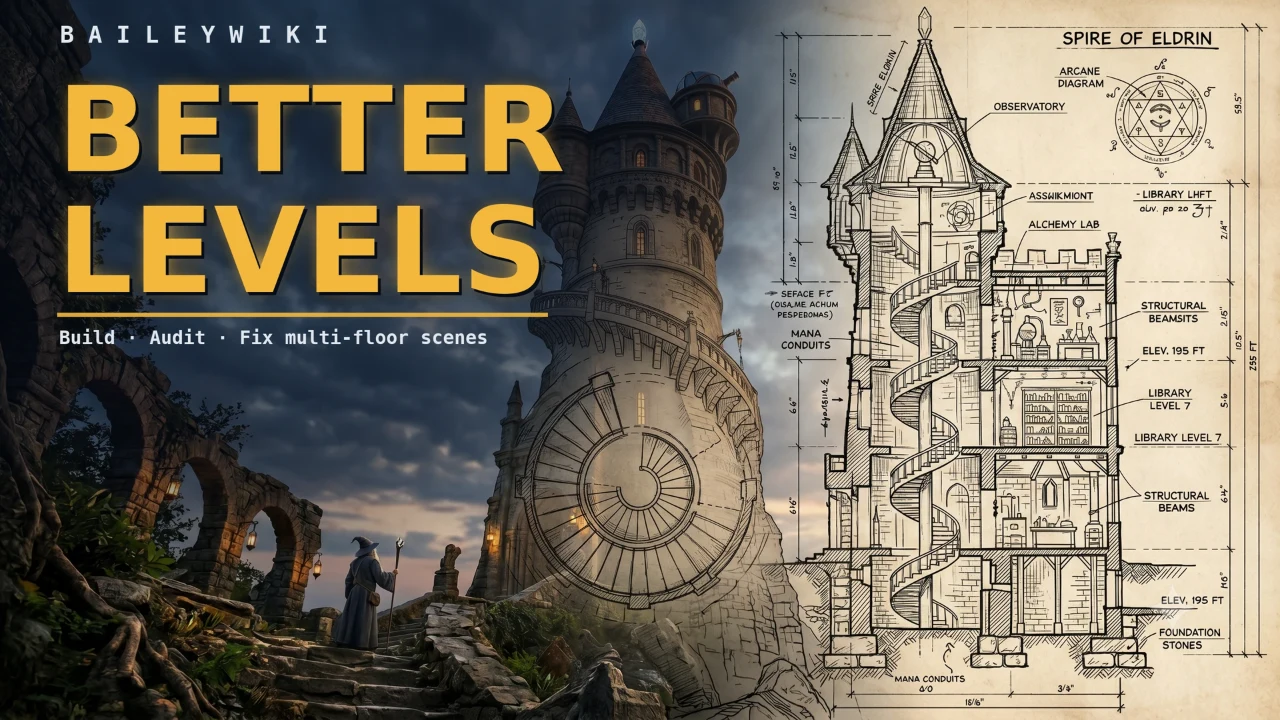
▶ Watch on Baileywiki: “Better Levels Quick Demo” in Better Levels: Build Foundry VTT Multi-Level… (1:12) · “The Audit Tool” (5:21) · “Turn Any Map into a Levels Map” in Faux Overhead Is Free: Any Foundry Map, Multi… (0:51)
Foundry v14 brought multi-level scenes into core, but building a tower, a basement, or a ship's lower deck is fiddly. Better Levels automates the tedious parts (generating levels, tracing floor surfaces, wiring stairs, naming things) and continuously audits your scene for the easy-to-miss mistakes that break Levels, with one-click fixes. It builds with ordinary Foundry Levels, Regions, and Tiles, so your scenes stay portable. Version 2.0 adds "faux overhead" regions that hide tokens under painted-in bridges or awnings without an extra tile, and native roof features, so Better Roofs is no longer required alongside it.
New to v14 Levels? Start with our v14 Levels guide.
7. Better Roofs
▶ Watch on Baileywiki: “The Levels Suite (Wall Height, Levels, Better Roofs)” in #FoundryVTT Top 25 Most Popular Modules: Ligh… (10:45) · “Modules to Use With Core Levels” in #FoundryVTT Basics - A Practical Guide to v14… (38:03)
Vision enhancements for roofs. With v14 core Levels, it adds the option to reveal fog of war on roof tiles and Occlusion Link IDs, which make several roof tiles fade together as one. It also has a setting to turn off the core hover fade. If you use Better Levels 2.0, you don't need it. Requires libWrapper.
8. Tile Scroll
Scroll, rotate, and repeat tiles over time to add movement to a scene. It was built as a replacement for Parallaxia. Requires libWrapper.
9. Multiface Tiles
▶ Watch on Baileywiki: “Multiface Tiles Trick” in Add new animated doors in any battlemap in #f… (12:44)
Swap a tile's image with a click on the Tile HUD, without a macro: a trap that has sprung, a tree that suddenly bears fruit, or a trap door that reveals stairs.
10. Library: Scene Packer
A library that helps package scenes and adventures so they survive import from a compendium: journal pins link to the right journal and tokens link to the right actors. You'll often get it as a dependency of map and adventure modules.
Levels on v14: what changed
- Core Levels replaces most of the old Levels suite. Foundry v14 has multi-level scenes built in (“Core Levels” (11:45)). The Levels module itself is verified for v14, and with it enabled on v14 you get a migration pop-up that can convert your scenes to core Levels (“Migration Tools for Levels Module Users” (40:42)).
- Wall Height is verified only for Foundry v13 on FoundryMods.
- Migration tools aren't perfect. Back up your world first and plan to refine scenes afterwards.
Also from Baileywiki
Baileywiki Content Module brings Baileywiki's 2D and 3D asset and scene library into Foundry through asset and scene browsers. It needs a Baileywiki account and requires Mass Edit and libWrapper.
Related guides
- How to use Levels in Foundry v14
- Best D&D 5e modules for Foundry VTT · D&D 5e quality of life modules
- Best D&D 5e combat automation modules
- Getting Started with Foundry VTT · ▶ “Creating a Battlemap: Scene Configuration” (25:43) · ▶ “Walls and Doors Basics” (30:55)
- All D&D 5e modules on FoundryMods · Foundry v14 module compatibility
Featured modules
Frequently asked questions
How do I import Dungeondraft maps into Foundry VTT?
Export a Universal VTT file from Dungeondraft and import it with Universal Battlemap Importer. You get the map image plus its walls, doors, and lights.
Do I still need the Levels module in Foundry v14?
Not for most scenes. Foundry v14 has core Levels. The Levels module is verified for v14 and offers a migration pop-up to convert existing scenes to core Levels. Back up first, because migrations need some cleanup.
Is Wall Height compatible with Foundry v14?
FoundryMods lists Wall Height as verified only for Foundry v13. On v14, use core Levels and elevation instead.
Do these modules depend on the D&D 5e system version?
No. They're scene and canvas tools that work in any system, so they aren't affected by the dnd5e 6.x update. Check each one's Foundry version on FoundryMods.
What does Monk's Active Tile Triggers do?
It runs actions when a token enters, exits, or clicks a tile, such as teleporting a token, opening a door, playing a sound, or changing elevation, with no code.